Getting started with your account
Overview
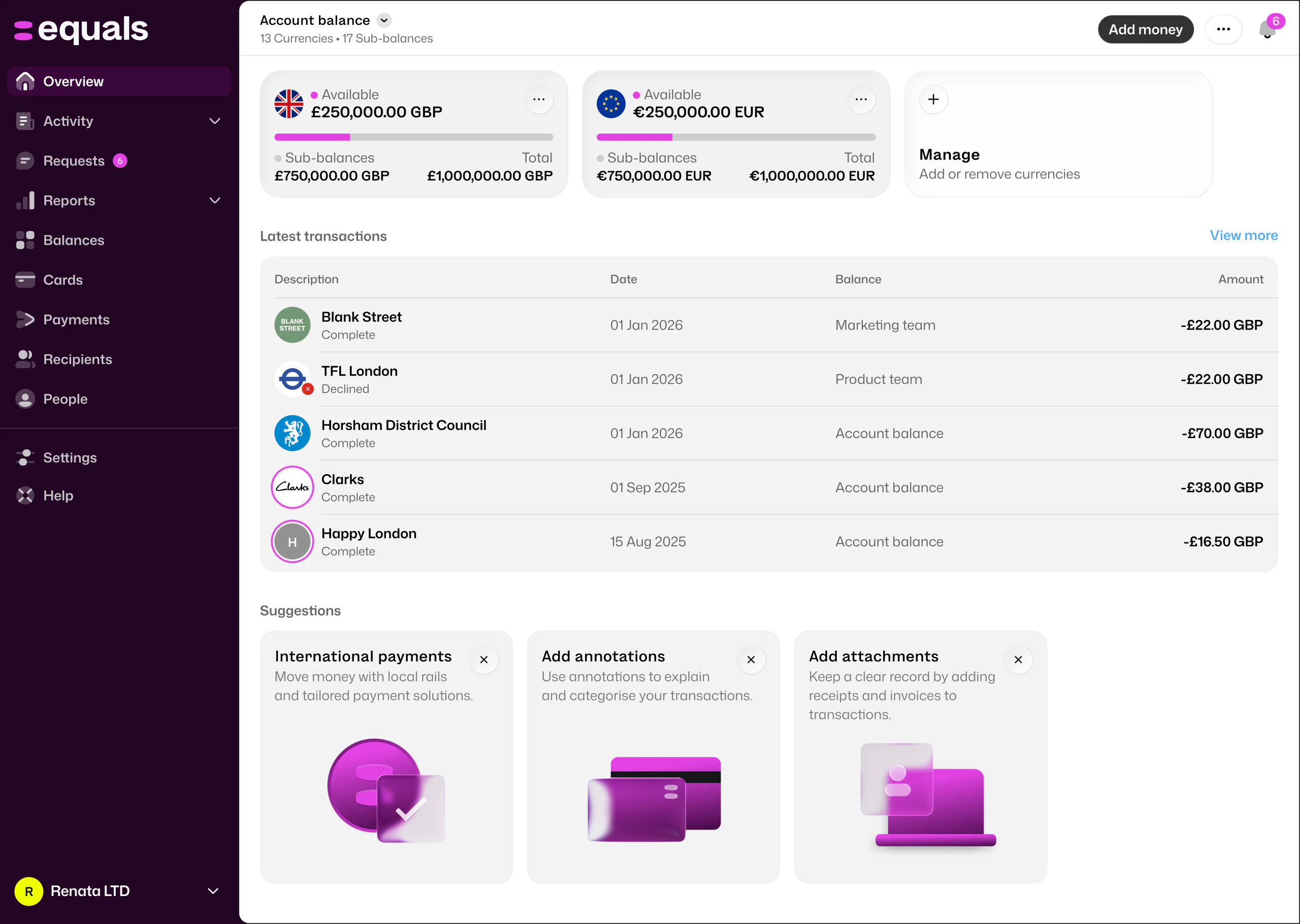
The ‘Overview’ page gives you visibility over the key parts of your account. This is a good view to see all the funds on your account.
- View your balance in each currency
- Quickly add or exchange money, or make a domestic or international payment
- View any new alerts on your accounts
- Gain an overview of company transactions
Balances
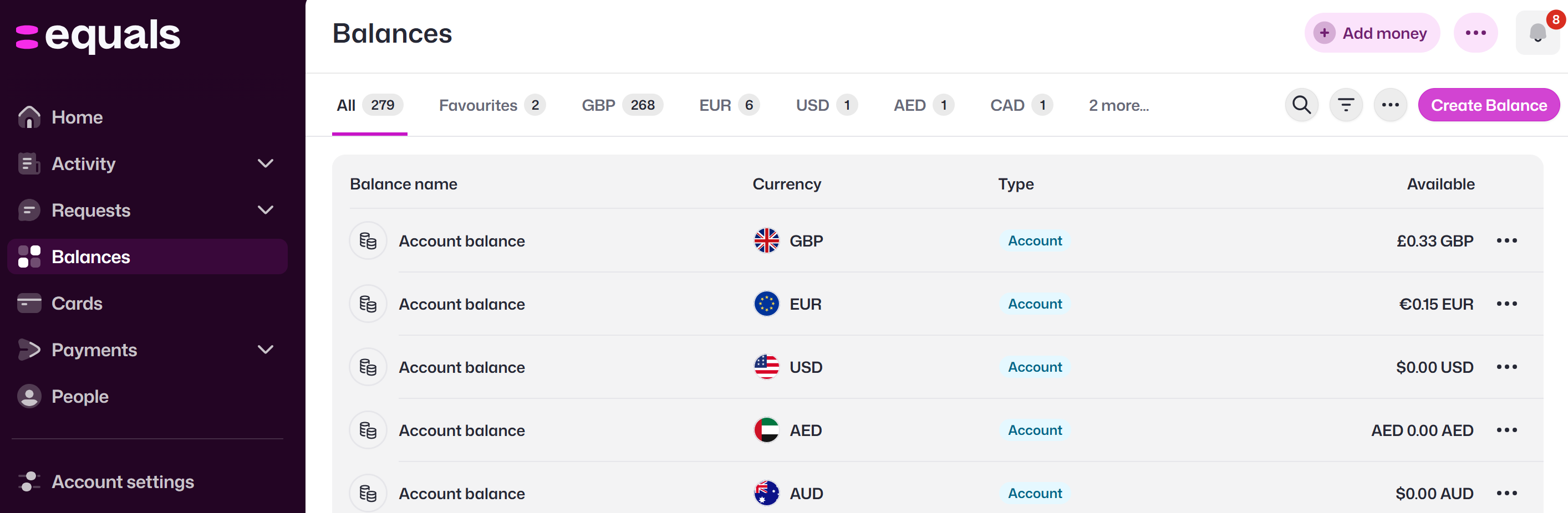
The “Balances” page provides a detailed view of your total account balances. You will only see this page if you use Equals Cards.
On your “Balances” page you can:
- Create sub-Balances under existing balances. For example, you can create a balance for "Office management" and within that balance separate pots for "London Office" and "New York office"
- View Balances, with an overview of all currencies held in each one
- View individual balances, with a view of spending history and top-up history
Payments
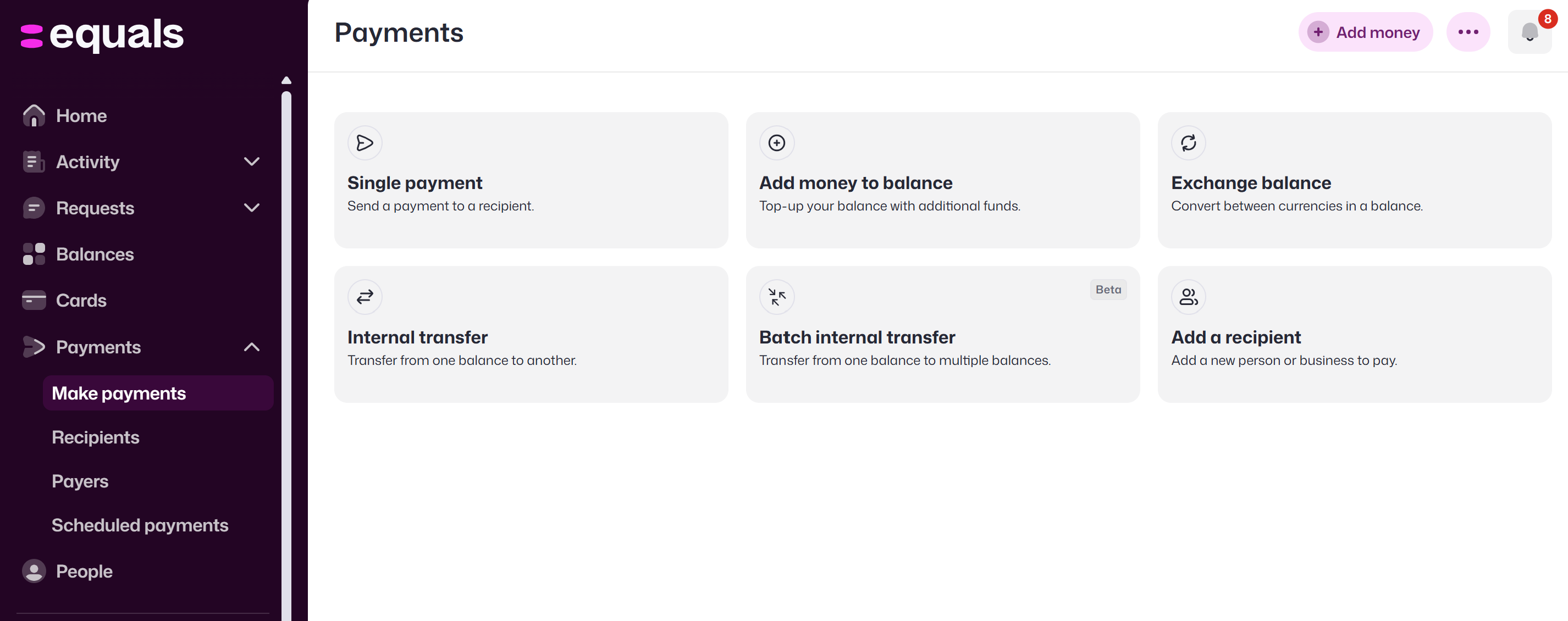
The ‘Payments’ page gives you full control over payments, top-ups, exchanges, forward contracts and recipients.
- Make single payments from your balance and currency of choice
- Exchange currencies within balances
- Top up balances in GBP or a wallet currency
- Book forward contracts
- Add new recipients
Transactions
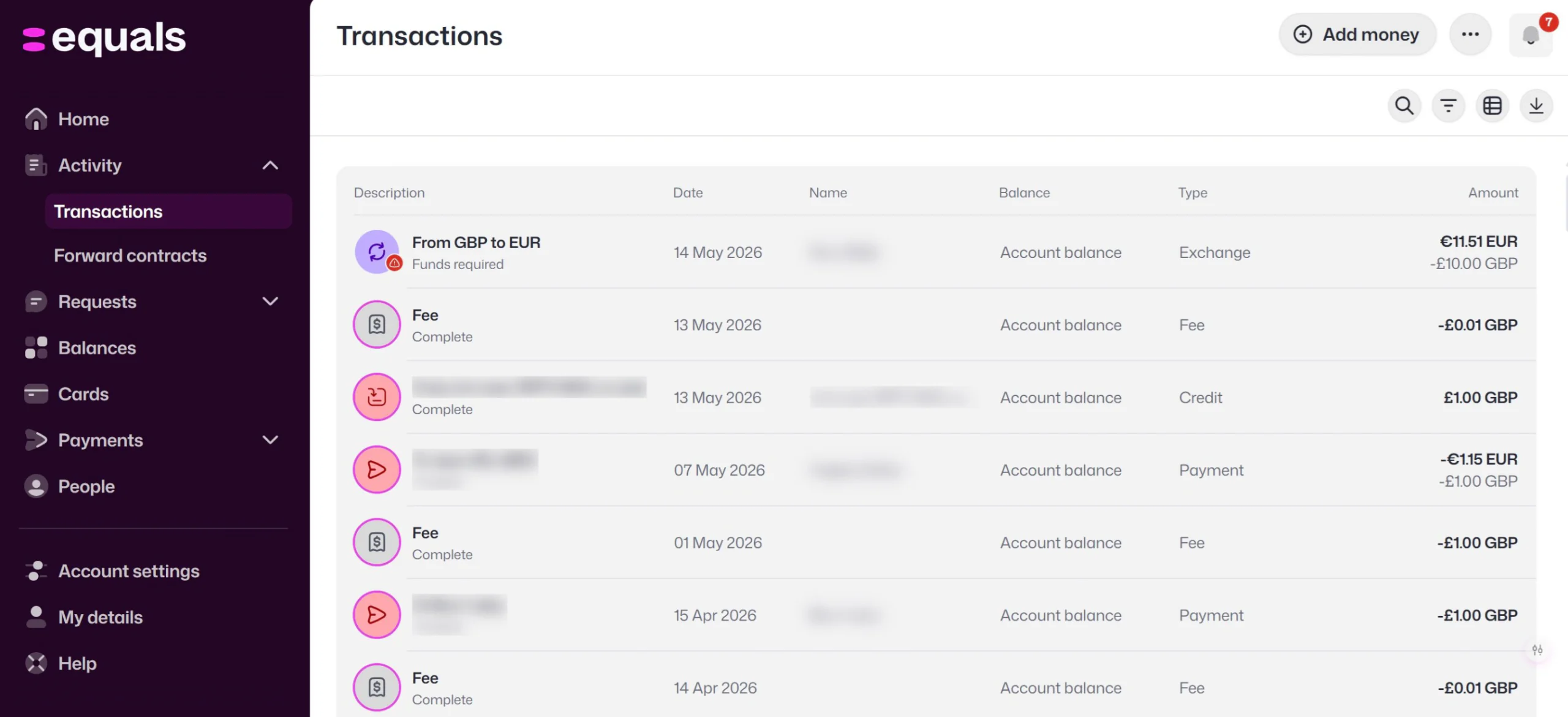
The ‘Transactions’ tab gives you oversight of all the transactions, and planned forward contracts.
On this page you can:
- View transactions by date, description, name, balance, and amount
- View completed and open forward contracts by order ID, settlement date, exchange rate, and remaining balance after they settle
- Download transactions, filter transactions and configure columns
People
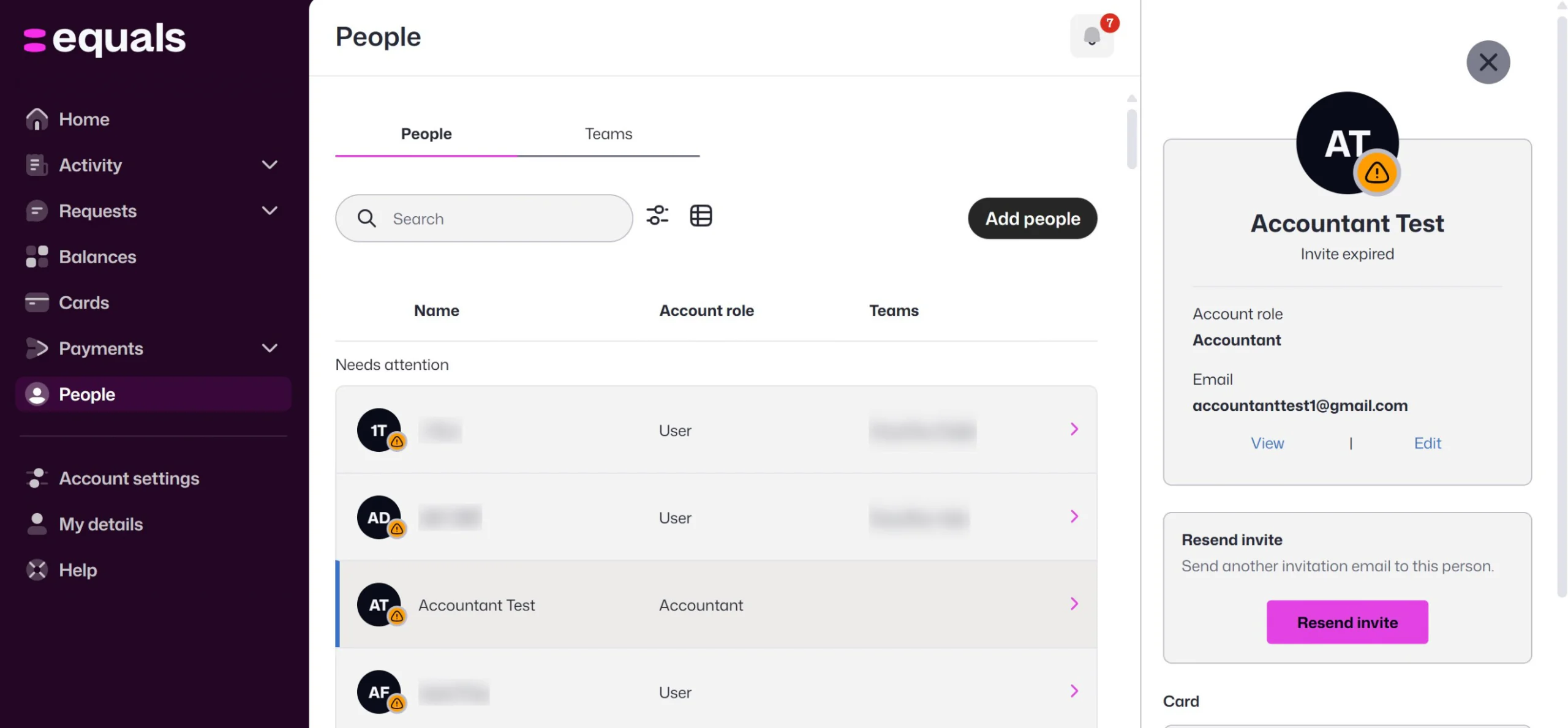
The ‘People’ page gives you an overview and control over contacts on your account.
- Sort contacts by individuals or teams
- View contacts by name, company role, teams, balances, and individual balance status
- Create and edit teams
- View the balances teams have access to
- Edit company role to decide permission levels within the platform
- Add new users
Get our app
We have mobile apps for Android and iOS, allowing you to manage your money on the move.
Look through more platform walkthroughs


Ready to get started?
Open an account today and put this guide to use right away.